HOW TO RECORD YOUR ADVOCACY VIDEO
We’re excited you’re interested in recording a video to advocate for the children in our state! Our video collectors use StoryPrompt to offer an easy opportunity for advocates like you to share powerful stories with others.
Here’s how it works :
1. Click on the story collector button to begin recording your story about your chosen policy issue.

2. Read through the information on the left-hand side of the screen. These are the questions you will be asked. You will be asked these questions one at a time, so there’s no pressure to memorize everything you want to say. You can also re-record your responses as many times as you need to!
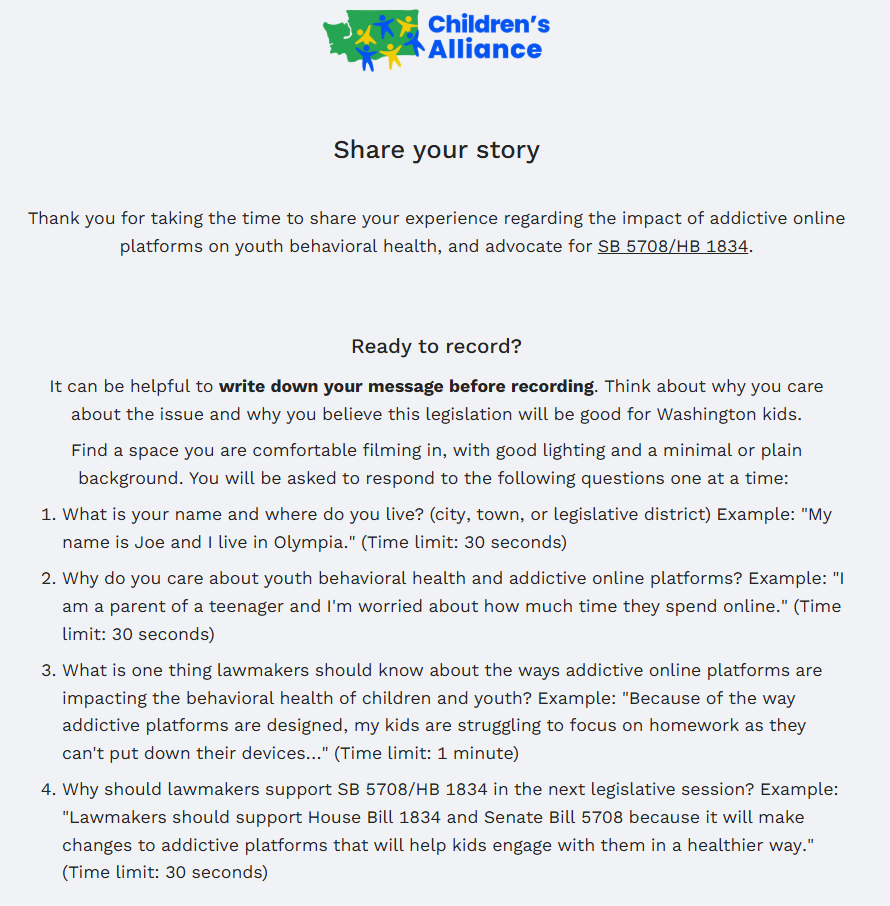
3. Take a minute to think about what you want to say. Find a space you are comfortable filming in, with good lighting and a minimal or plain background. When you’re ready, click “I’m ready”.
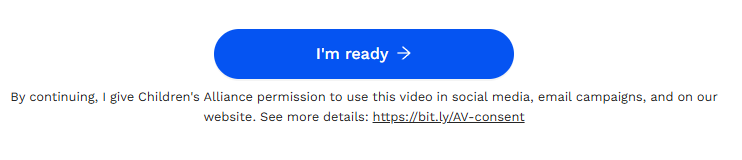
4. On the left, you’ll see your first question. When you’re ready, you can respond to this question in one of three ways: record your reply, write a response, or upload a video.

5. If you choose to record your reply, you can add a script by clicking the word ”Script” at the bottom of the screen.
6. Once you stop recording, you can watch your video to see if you like it. If you want to re-record your answer, press “No” to try again. Once you feel good about your video, press “Yes” to move on to the next question.
7. You’ll repeat this process for each of the questions. Each question has a time limit, which is shared on the main screen.
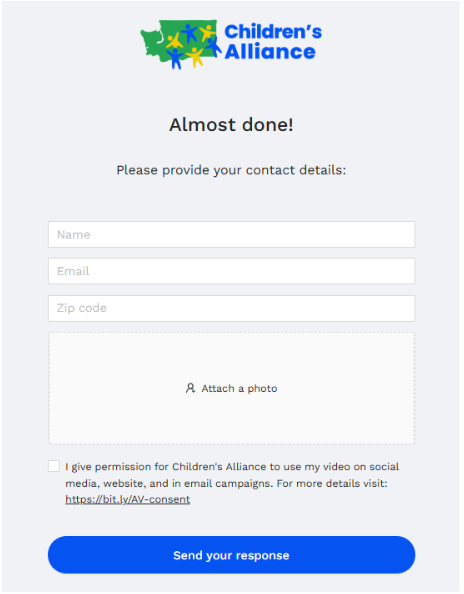
8. Once you’ve answered all the questions, you’ll share your contact details, give permission for Children’s Alliance to use your video, and submit your story.
9. Thank you for raising your voice for children!